By Joseph Bryson December 20, 2025
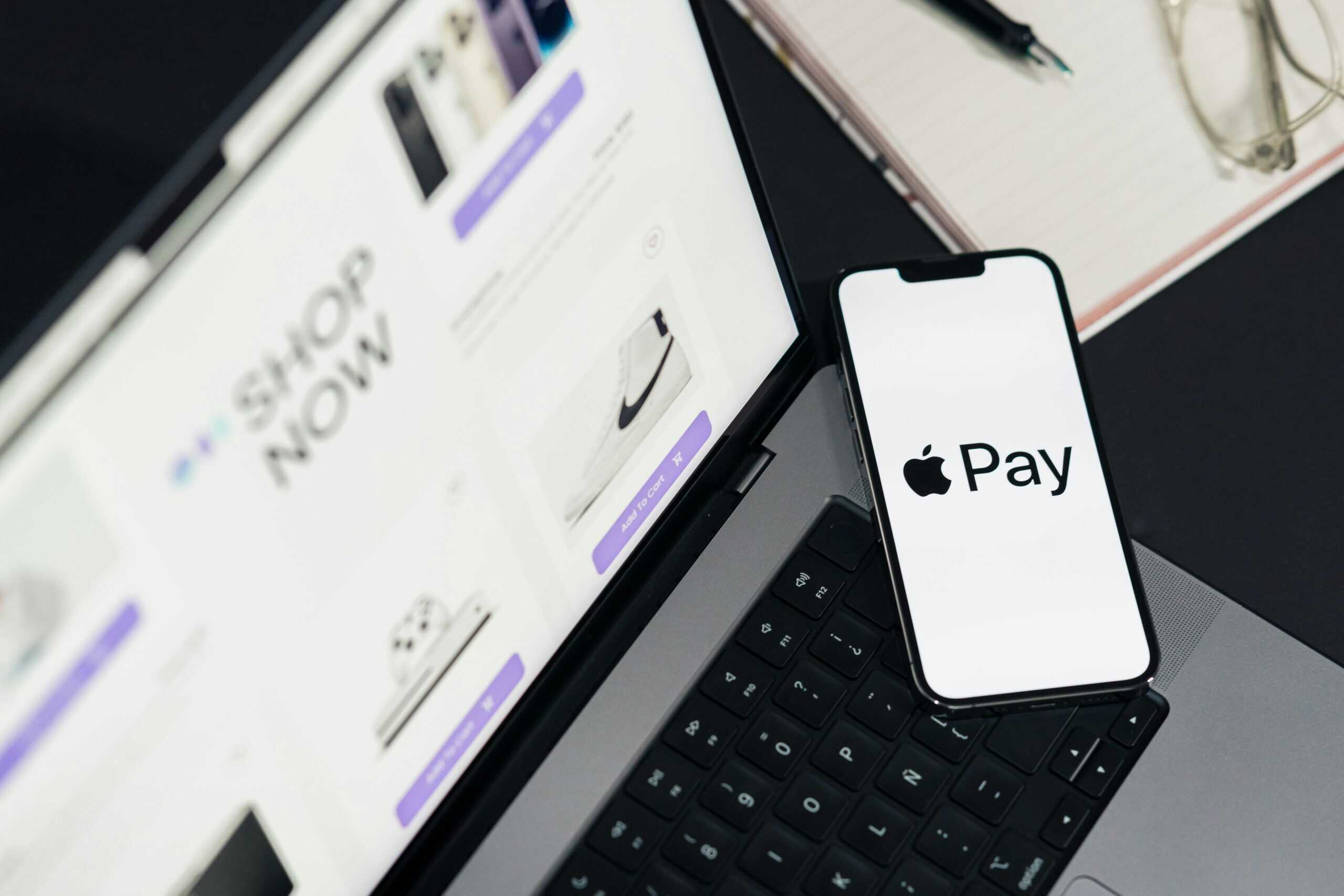
As mobile payments become more popular, Apple Pay has attracted users by offering fast, convenient and secure transactions. For merchants, though, taking Apple Pay raises a key question: what’s the best pricing model for processing Apple Pay transactions? Flat and interchange plus are two of the most popular structures available from merchant service providers. Each offers a unique set of pluses and minuses that can have a substantial impact on the bottom line of a business.
Flat-rate pricing has the added advantage of being simple—one percentage and fee for every Apple Pay transaction. This model is very straightforward and predictable, which can be appealing to small businesses that prefer clear billing without any hidden surprises. Conversely, interchange-plus pricing offers that higher level of transparency by itemizing the actual card network interchange fee and the processor’s markup. Whilst it tends to be cheaper at larger scales, it can be more difficult to manage and comprehend.
This choice is based on volume of transactions, size of business and a company’s desired level of transparency in processing costs. Integration with a payment processor makes it easy for businesses to get the most out of their Apple Pay transactions, all without having to worry about complexity, lack of pricing visibility and hidden fees. Let us understand what makes Apply Pay popular and the associated costs with it.
Why Accept Apple Pay Now?

Apple Pay is gaining momentum with retailers, in stores and online. If your business isn’t already providing Apple Pay, you could be losing out on opportunities with customers who like this easy, fast and secure way to pay. But there are other very good reasons for your business to consider using Apple Pay, beyond its widespread acceptance.
Advantages of Using Apple Pay for Merchants
Attract More Customers
Accepting Apple Pay will let you connect with even more shoppers and make checkout faster and easier. Apple Pay is faster and more convenient, as many consumers know. By providing this option, you make it easier for customers to complete their purchases without hesitation. This minimizes the risk of a shopping cart being left unattended on-line or missed sales in-store.
No Extra Fees
Apple Pay leverages existing credit card networks, so companies generally don’t pay any extra fees beyond those they’d pay for regular credit card processing. This means Apple Pay is a low-effort way to give your customers another way to pay you and won’t break the bank.
Advantages of Apple Pay for Customers
Enhanced Security
One of Apple Pay’s most compelling features is security. All payments need to be authorized either using Face ID, Touch ID, or a password limiting who can spend your money. Also, card information is never saved on the device or disclosed to retailers. Rather, Apple Pay relies on so-called encrypted dynamic security codes that shield actual payment data. This is why it offers peace of mind to consumers worried about fraud or identity theft.
Faster Transactions
Apple Pay transactions are easy for customers. There’s no need for customers to input card information directly or even sign receipts — all they have to do is give a tap or click. Such speed is useful for customers, and can be good news for businesses because it makes the process more efficient and shortens waiting time.
Convenience
Apple Pay makes payments effortless. Consumers are able to securely store multiple cards on their phones, leaving their wallet and credit card behind. With these no such constraints, shoppers can purchase wherever their gadget happens to be at the time.
By adding Apple Pay to your payment options, you enhance convenience, security, and speed for your customers—while opening the door to more sales opportunities for your business.
How Does Apple Pay Work?

From a consumer perspective, Apple Pay was created to be simple and user-friendly, making it no surprise why so many people now use the service. At checkout, the process usually takes only three quick steps: The customer holds their iPhone or Apple Watch near the merchant’s card reader, unlocks their device by using Face ID, Touch ID or a passcode and then pays with a tap. It helps to make Apple Pay so easy to use.
Apple Pay depends on state-of-the-art technology to keep transactions both private and easy. At the heart of this technology is near field communication (NFC). NFC is a short-range wireless technology that allows devices to communicate over short distances, often only centimeters apart; NFC is what allows an iPhone or Apple Watch to send payment info to a compatible card reader without making physical contact.
When a user adds a credit or debit card to Apple Pay, the device is not given the number of that card and instead is also provided with a temporary “token” number so that if lost, the actual account numbers are not compromised. Instead Apple has its own “device account number” for each card stored securely on the device’s Secure Element chip. When a payment is made, Apple Pay creates a unique dynamic security code to secure the transaction. It then sends this code, as well as the device account number, to the payment processor of the merchant for authorization.
This is what makes Apple Pay not just convenient, but super-secure too. As a result, by replacing vulnerable card information with a transaction-specific encryption, Apple Pay can secure both the consumer and the merchant during the exchange even as it accelerates payment transactions.
How to Set Up Apple Pay for Your Business?
Setting up Apple Pay for your business is a relatively simple task. However, it comes with a number of steps that you need to tick off in order to be properly set-up and compliant. With Apple Pay, you can now provide customers with an easy way to pay without even touching their phones.
1. Confirm Your Eligibility
Before you begin, you’ll need to ensure your business is eligible for Apple Pay transactions. You’ll need:
- A payment processor which accepts Apple Pay with a merchant account.
- An in-store NFC payment terminal.
- A POS or online payment gateway that is card-present or card-absent.
2. Partner with a Payment Processor
Apple Pay operates through your payment processor, so you’ll have to use one that supports such transactions. Discuss with your payment provider to get set up with Apple Pay and find out if there’s anything special you need to do or any fees. This is to make sure that your system can securely process tokenized payments.
3. Upgrade or Configure Payment Hardware
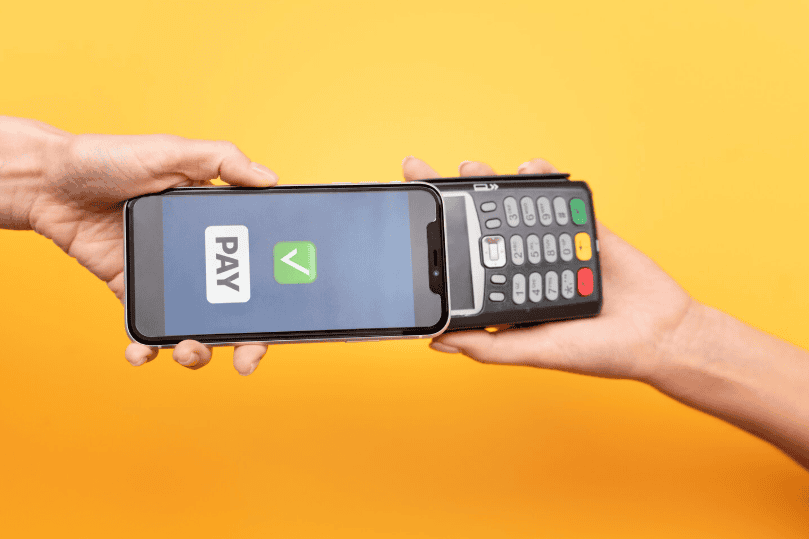
For in-store payments, you’ll need NFC-capable terminals via your POS system. If your equipment does not already accommodate contactless transactions, switch service providers, and ask for a new terminal. After you hardware is prepared, the terminal should be equipped for Apple Pay and other contactless transactions.
4. Enable Apple Pay for Online Payments
Apple Pay can be integrated on your payment gateway, or checkout platform if you’re an e-commerce business. Apple Pay integration is offered natively in many platforms e.g., Shopify, WooCommerce, and Stripe. Your payment gateway will provide instructions to enable Apple Pay transactions on your app or site, ensuring your checkout flow is optimized.
5. Test the Setup
Try testing in-store and online Apple Pay transactions before going live. This is to ensure that payments go through easily and securely. Ensure that receipts, billing descriptors and order confirmations are functioning as they should.
6. Train Your Staff and Inform Customers
Make sure your team understands how Apple Pay functions, so they can help customers at checkout. When Apple Pay is available, you can use in-store signage, your website, and email marketing to tell customers they can pay with this method.
Apple Pay Costs
One of the first questions merchants ask when they consider adopting Apple Pay is about the fees. Knowing the fees for consumers and merchants as well as for international purchases can guide you in determining where Apple Pay will become part of your payment system.
Are There Any Fees for Consumers Using Apple Pay?
Apple Pay is free on the consumer side. Whether in-store, in-app or on the web, there are no fees from Apple when customers use Apple Pay. That’s part of what makes Apple Pay so appealing to buyers.
With that in mind, consumers with multiple payment channels will typically avoid options carrying a fee. Most opt for whatever is easiest and cheapest. Even then, some customers simply prioritize speed and convenience anyway. This, in turn, means that Apple Pay can improve the customer experience (and therefore retention rates) without adding to the cost for consumers.
Are There Fees for Merchants on Apple Pay?
Merchants do not directly pay Apple to accept Apple Pay, and there are no specific fees for processing Apple Pay. But there is still a debit or credit card purchase behind the scenes of every Apple Pay transaction. To your payment processor, Apple Pay transactions are not any different than a normal card transaction.
That means merchants end up paying normal processing or interchange fees for these payments. The standard fee for direct credit payment processing is typically in the 1.5%-3.5% range per transaction, depending on your processor and card type. These percentages may seem small, but they will all add up for small businesses with many transactions.
The ease of use provided by Apple Pay, though, can certainly result in higher conversion and sales to off-set those processing fees by capturing more customers while also fighting against high cart abandonment.
Are There Any Fees for Apple Pay International?
There are no extra fees from Apple Pay for international purchases. However, banks may apply foreign transaction fees for certain credit card purchases. These charges are separate from Apple Pay and apply regardless of payment method.
What this means is that, if your business sells in one of the countries where Apple Pay operates – and there are quite a few, you can accept this form of payment without having to suffer from extra Apple-levied costs.
Knowing these costs can help retailers weigh the value of Apple Pay and determine where it fits in their payment accepting strategies.
Conclusion
Choosing the right pricing model for Apple Pay transactions is a critical decision that impacts your business’s profitability and payment efficiency. Flat-rate pricing offers simplicity and predictability, making it ideal for smaller businesses or those with lower transaction volumes. Interchange-plus pricing, on the other hand, provides greater transparency and can be more cost-effective for higher-volume merchants, though it requires more detailed understanding and tracking.
Understanding your business needs, transaction patterns, and the cost structure offered by your payment processor will help you make an informed choice. Ultimately, the right approach will balance convenience, cost efficiency, and the ability to offer customers the secure, fast payment option they expect with Apple Pay.
FAQs
1. What is flat-rate pricing for Apple Pay transactions?
Flat-rate pricing charges a fixed percentage plus a per-transaction fee, regardless of card type or transaction size. It simplifies accounting and billing.
2. What is interchange-plus pricing?
Interchange-plus pricing breaks down the transaction cost into the interchange fee (set by card networks) plus a fixed markup from the payment processor, offering greater transparency.
3. Which pricing model is better for small businesses?
Small businesses with low transaction volumes often prefer flat-rate pricing for its simplicity, though interchange-plus pricing may save more in fees for high-volume businesses.
4. Does Apple Pay change the pricing model?
No. Apple Pay transactions are processed through your payment processor under your existing pricing model, whether flat-rate or interchange-plus.
5. How can I decide which pricing model is best?
Evaluate your transaction volume, average purchase value, and the transparency you need. Consulting with your payment processor can help determine which model offers the best value for your business.